

Hello, and thank you in advance for your support.
I’m working with an Application Board 3.1 and a BHI360 Shuttle Board 3.0. I ran a series of tests to evaluate the repeatability and stability of the sensor data.
To do this, I built a rotating arm that performs the same back-and-forth rotation repeatedly.
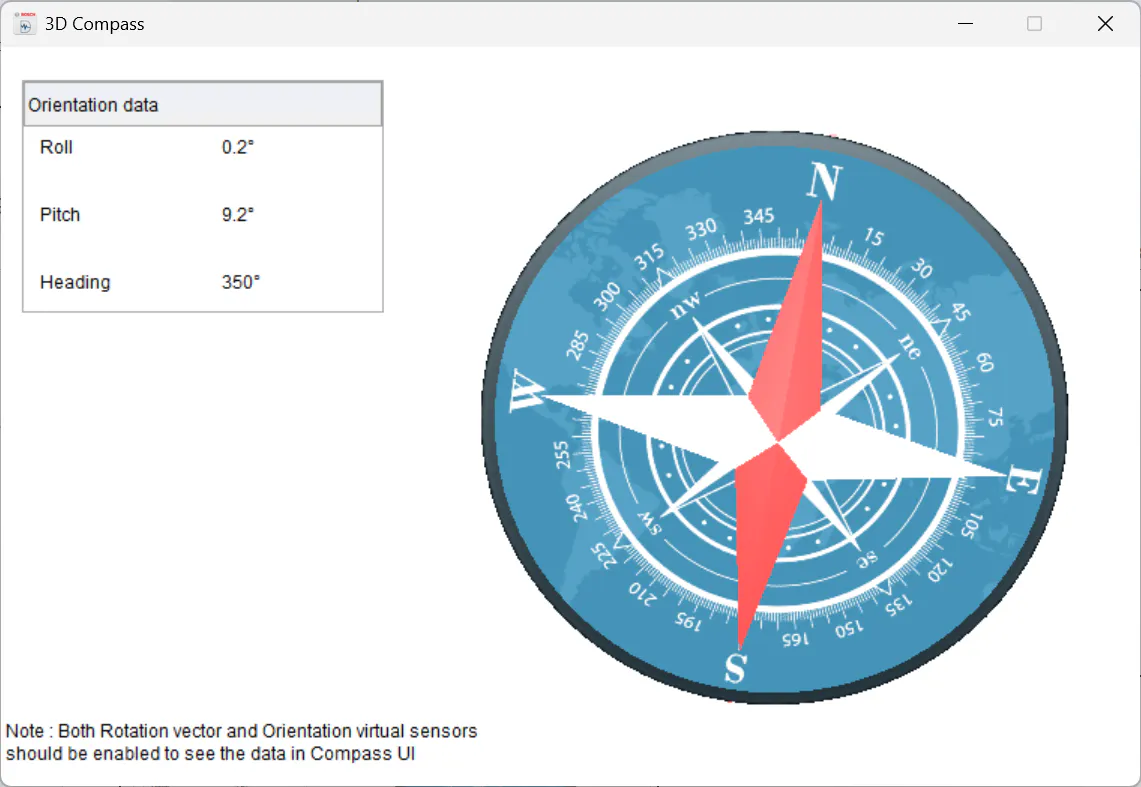
Test #1 – Compass GUI:
Using the Compass GUI data, I noticed that after about 10–15 minutes, an unexpected angular offset of roughly 100° suddenly appears, without any clear cause.
Test #2 – Head Orientation GUI:
Using the Head Orientation GUI data, I observed a progressive drift of about 22° over the duration of the test.
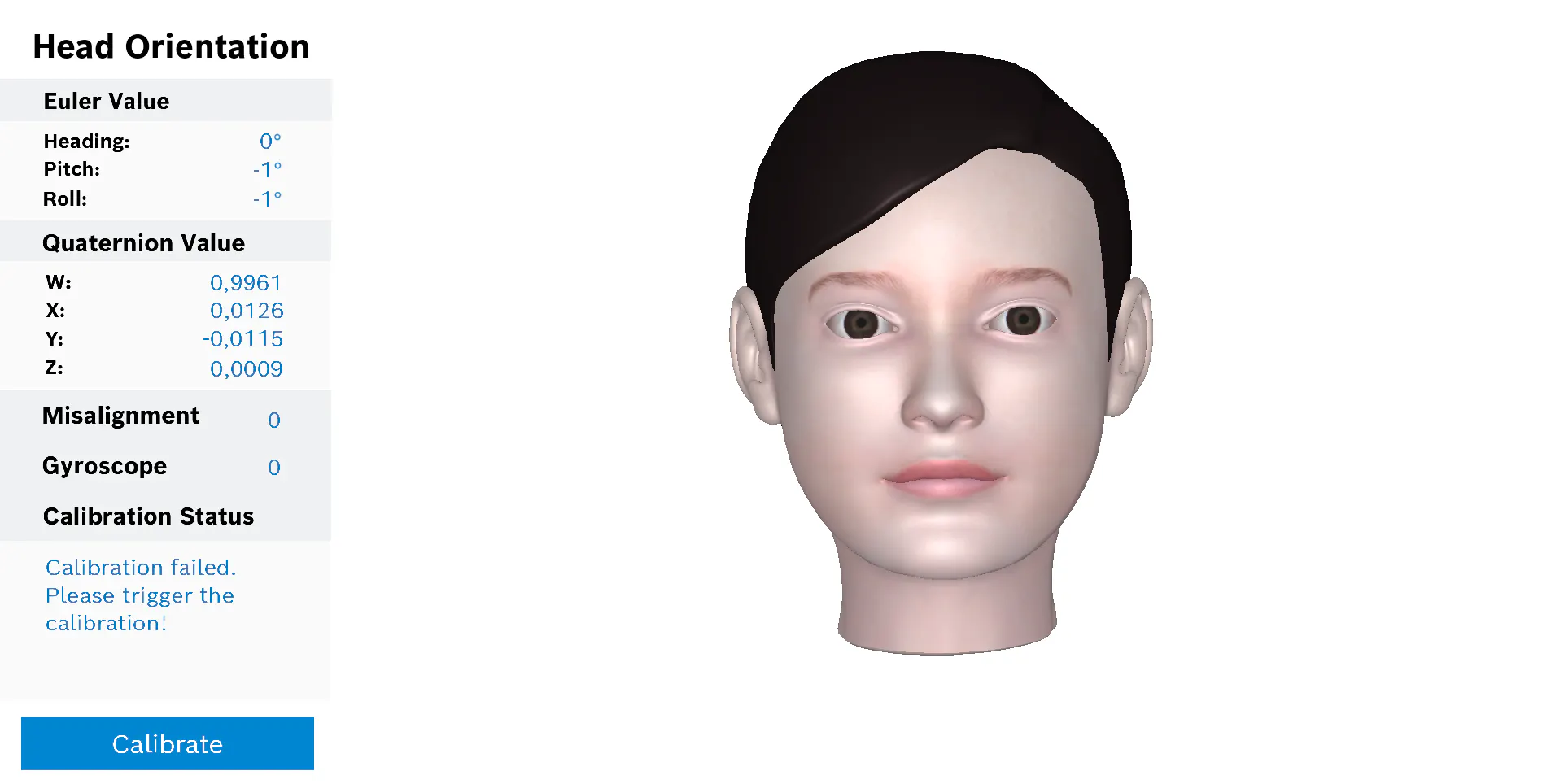
Regarding the Head Orientation GUI, the calibration feature always returns an error. The DD User Manual 1.3 states:
“For BHI360, the user must perform the calibration by clicking on the Calibrate button as described in the Calibration Status section of the Head Orientation panel.”
My questions are:
What could be causing the ~100° shift observed in the Compass GUI?
What could be causing the ~22° progressive drift in the Head Orientation GUI?
How can I correctly calibrate the sensor as indicated in the manual?
Thank you for your help!