
I have an Application Board 3.1 devkit with the 8x BME690 shuttle board. After loading the devkit with the .bmeconfig file, I recorded 3 unique data sessions. For each session, I would do the following:
Plug the devkit into power via USB
Wait <30s and press button 1
Leave the devkit alone for a period of time
Come back, and press button 2
Remove USB power from the dev kit
Then I plugged the devkit into my Windows machine, enabled the MTP mode, and copied the files from the devkit to my machine. See below:
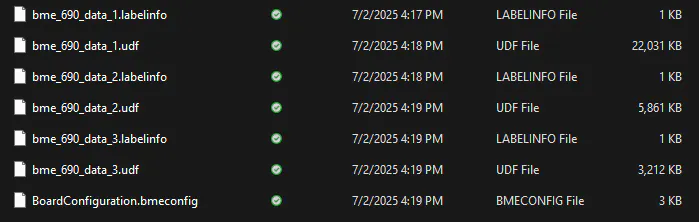
I then used the converting tool within the devkit firmware download. To do so, I copied the .bmeconfig file and all the .labelinfo and .udf files to here: ~\bme690_devkitfw_v3-1-0\tools\converter\data\. I ran the run_me.bat script and after a minute or so it spit out the following files within an output folder:
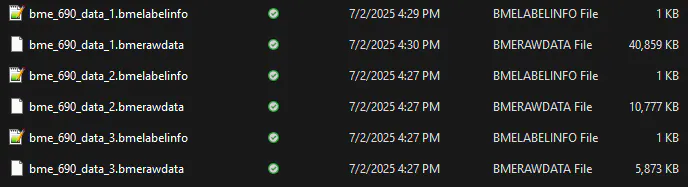
Here comes my issue. I open up my AI-Studio project to import the data into my project. The import window only shows me the .bmerawdata files (which I'm sure is expected). I select all 3 and click Import. It pops up the graph with the listed specimen below and so on. But, it doesn't seem like it's showing unique data for each of my unique samples. It almost looks like the specimen were stacked on top of each other.
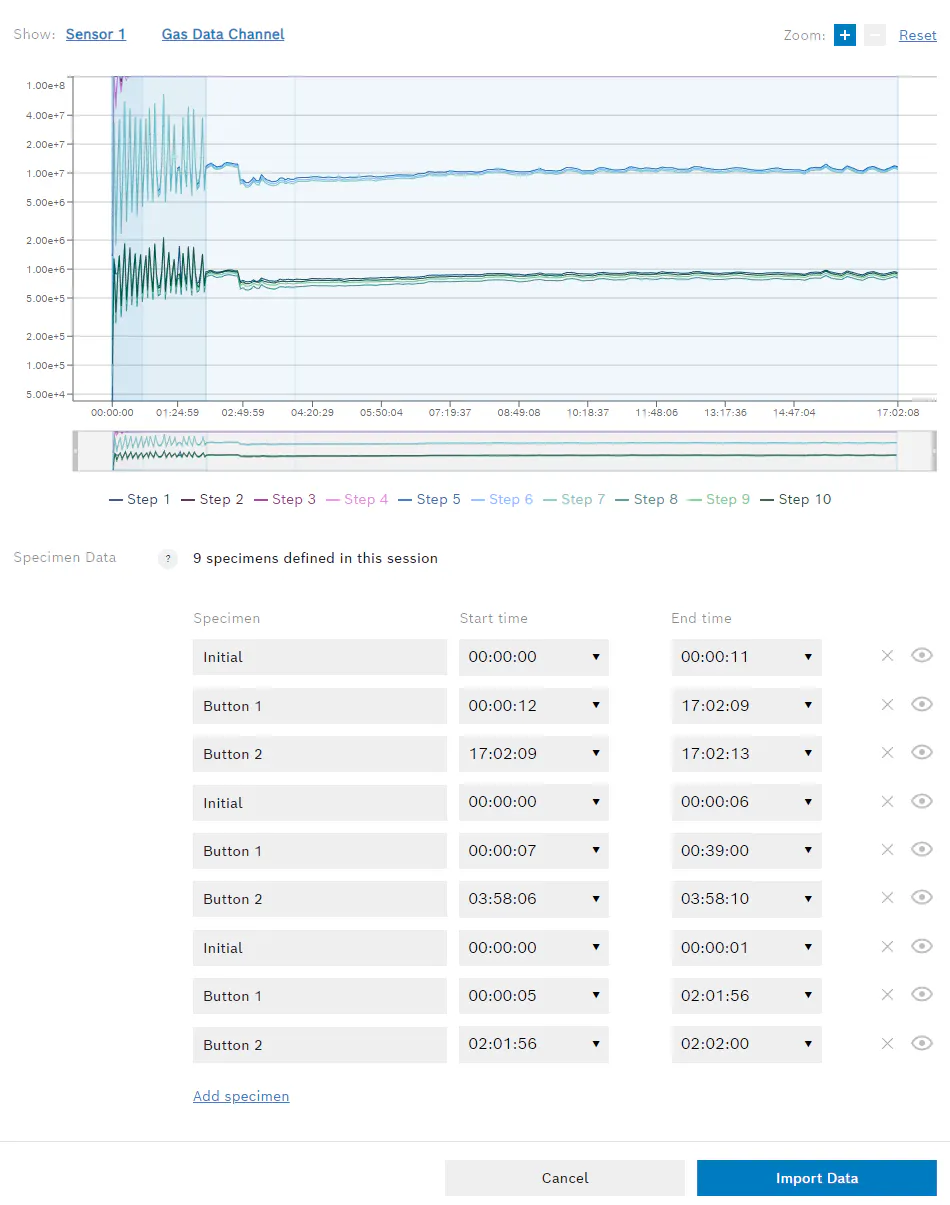
Any feedback here? Am I doing anything wrong? Maybe it can't do any better since the application board 3.1 does not record time, just duration. If I only import one of those 3 .bmerawdata files, the graph looks the same and it still gives 9 specimen, where I would expect it to only show 3 specimen.